What does a low-code user experience look like?
What does a low-code user experience look like?
MCP Servers are designed to make powerful cybersecurity workflows accessible, even for those without coding experience. In low-code mode, users simply express what they want in natural language, and the system handles the rest. Example Request: “Find the most active threat actors targeting financial institutions in Brazil this week. Prioritize ransomware groups.” What happens under the hood:- The prompt is converted into an MCP task:
- The agent selects relevant MCP Servers:
- mcp-socradar-intel
- mcp-virustotal-ioc
- mcp-opencti-threatfeed
- Results are fetched, enriched, and summarized, without the user ever knowing which tools were invoked or how.
Uncategorized @us-en

Oct 16, 2026
CVE-2026-102764: BeyondTrust Zero-Day Exploited
BeyondTrust has disclosed CVE-2026-102764, a critical Remote Support vulnerability exploited as a zero-day weeks before customers received a patch. The attack began…
Cyber News
Oct 15, 2026
Cisco Secure Email & PAN-OS Zero-Days Exploited
Cisco Secure Email & PAN-OS Zero-Days Exploited Cisco and Palo Alto Networks have patched two actively exploited zero-day vulnerabilities that can lead…
CTI Fundamentals
Oct 15, 2026
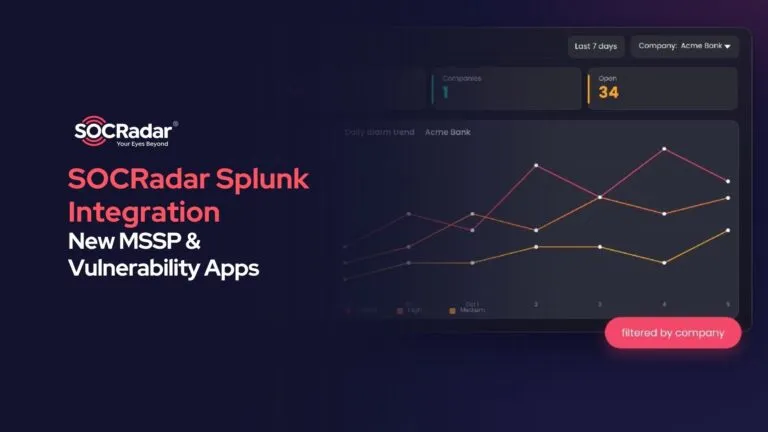
SOCRadar Splunk Integration: New MSSP and Vulnerability Apps
SOCRadar Splunk Integration: New MSSP and Vulnerability Apps Your analysts live in Splunk. Your external risk does not: SOCRadar alarms for dozens…
Intelligence in your inbox every Thursday.
Join 30,000+ security professionals reading SOCRadar research.
Subscribe