TeamViewer Fixes Five Remote Access Flaws
TeamViewer has patched five high-severity vulnerabilities in its Full Client and Host applications for Windows, Linux, and macOS. The flaws include local privilege escalation, potential code execution, and remote session access control bypass. The company strongly recommends that all users update to the latest available version as soon as possible.
Published on September 29, 2026, security bulletin TV-2026-1010 carries an Important priority rating. The highest-rated vulnerability, CVE-2026-92370 (CVSS 8.8), could allow an attacker to bypass configured session permissions and perform restricted actions.
What Is TeamViewer TV-2026-1010?
TeamViewer’s official security bulletin addresses five vulnerabilities affecting different application components:
| CVE | Vulnerability and Potential Impact | CVSS 3.1 |
|---|---|---|
| CVE-2026-19743 | Path traversal (CWE-22), allowing privileged file writes and local privilege escalation | 7.8 |
| CVE-2026-92368 | Heap-based buffer overflow (CWE-122) when opening crafted .tvs recordings | 7.8 |
| CVE-2026-92369 | TOCTOU race condition (CWE-367), potentially enabling SYSTEM privileges on Windows | 7.3 |
| CVE-2026-92370 | Improper access control (CWE-284), enabling restricted session actions and potential Remote Code Execution (RCE) | 8.8 |
| CVE-2026-92371 | Improper link resolution (CWE-59), allowing privileged file operations on Linux | 7.0 |
The bulletin also covers TeamViewer Remote, Tensor, and ONE through their underlying client and Host components.
Which TeamViewer Versions Are Affected?
The primary affected range includes Full Client and Host versions before 15.82. TeamViewer also released fixes for legacy branches:
| Branch | Platform | First Fixed Version |
|---|---|---|
| 15.x | Windows, Linux, macOS | 15.82 |
| 15.64 legacy | Windows 7 and 8 | 15.64.8 |
| 14.7 | Windows, Linux, macOS | 14.7.48855 |
| 13.2 | Windows | 13.2.36230 |
| 13.2 | Linux | 13.2.153995 |
| 13.2 | macOS | 13.2.153994 |
Individual CVEs have different platform and version requirements, so administrators should verify their deployments against the vendor bulletin.
Prioritize persistent Host installations, unattended-access endpoints, servers, and IT administrator workstations.
How Do the TeamViewer Vulnerabilities Work?
CVE-2026-92370: Remote Session Access Control Bypass
The highest-rated vulnerability affects permission handling during remote session establishment.
TeamViewer states that an authenticated remote attacker could manipulate access control parameters to perform actions the target user explicitly restricted, potentially resulting in remote code execution.
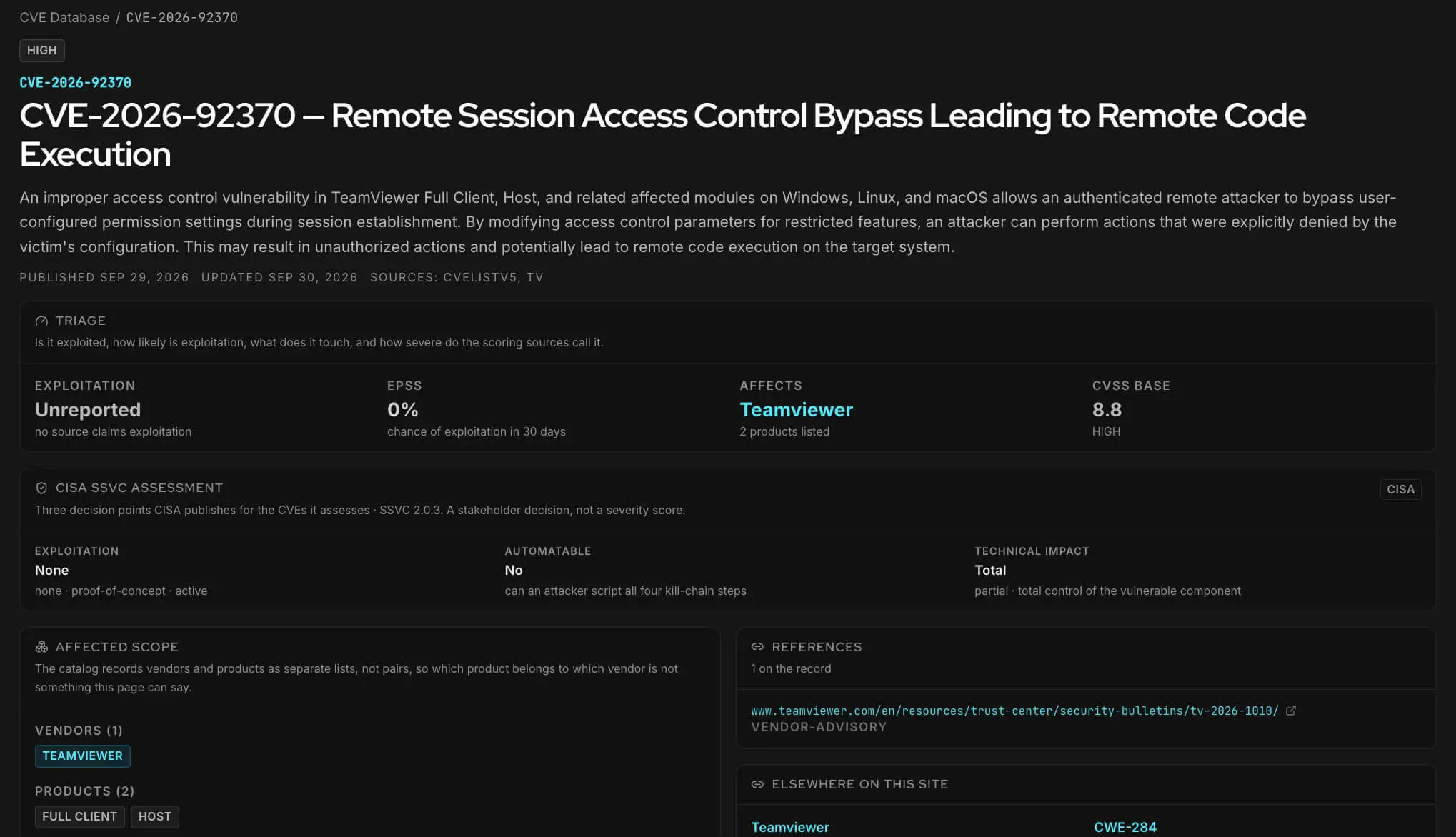
Details of CVE-2026-92370 (SOCRadar Free Tools, CVE Intelligence)
The Four Remaining Vulnerabilities
The other flaws involve more specific exploitation conditions:
- CVE-2026-19743: A local attacker can manipulate IPC service file paths, potentially escalating privileges.
- CVE-2026-92368: Opening a malicious .tvs session recording can trigger memory corruption and potential code execution with the current user’s privileges.
- CVE-2026-92369: A local Windows attacker can exploit a race condition during installer rollback to potentially gain SYSTEM privileges.
- CVE-2026-92371: Improper link handling in Linux Cloud Session Recording can redirect privileged file operations.
Unlike CVE-2026-92370, these issues require local access, user interaction, or a particular application workflow.
Are These TeamViewer Vulnerabilities Being Exploited?
No active exploitation has been publicly confirmed as of October 1, 2026.
TeamViewer stated in its September 29 bulletin that it was unaware of public disclosure or exploitation in the wild. However, the absence of confirmed exploitation does not eliminate the risk, particularly for remote support systems used in privileged IT operations.
Monitor Vulnerabilities with SOCRadar
SOCRadar’s Cyber Threat Intelligence module powers CVE Radar, helping security teams track vulnerability severity, exploit availability, and emerging threat intelligence in one place.
For these five TeamViewer flaws, Vulnerability Intelligence can help organizations monitor new exploitation reports and advisory changes while remediation progresses. Combined with internal endpoint inventories, this visibility supports prioritizing outdated TeamViewer Hosts, unattended-access systems, and administrative devices.
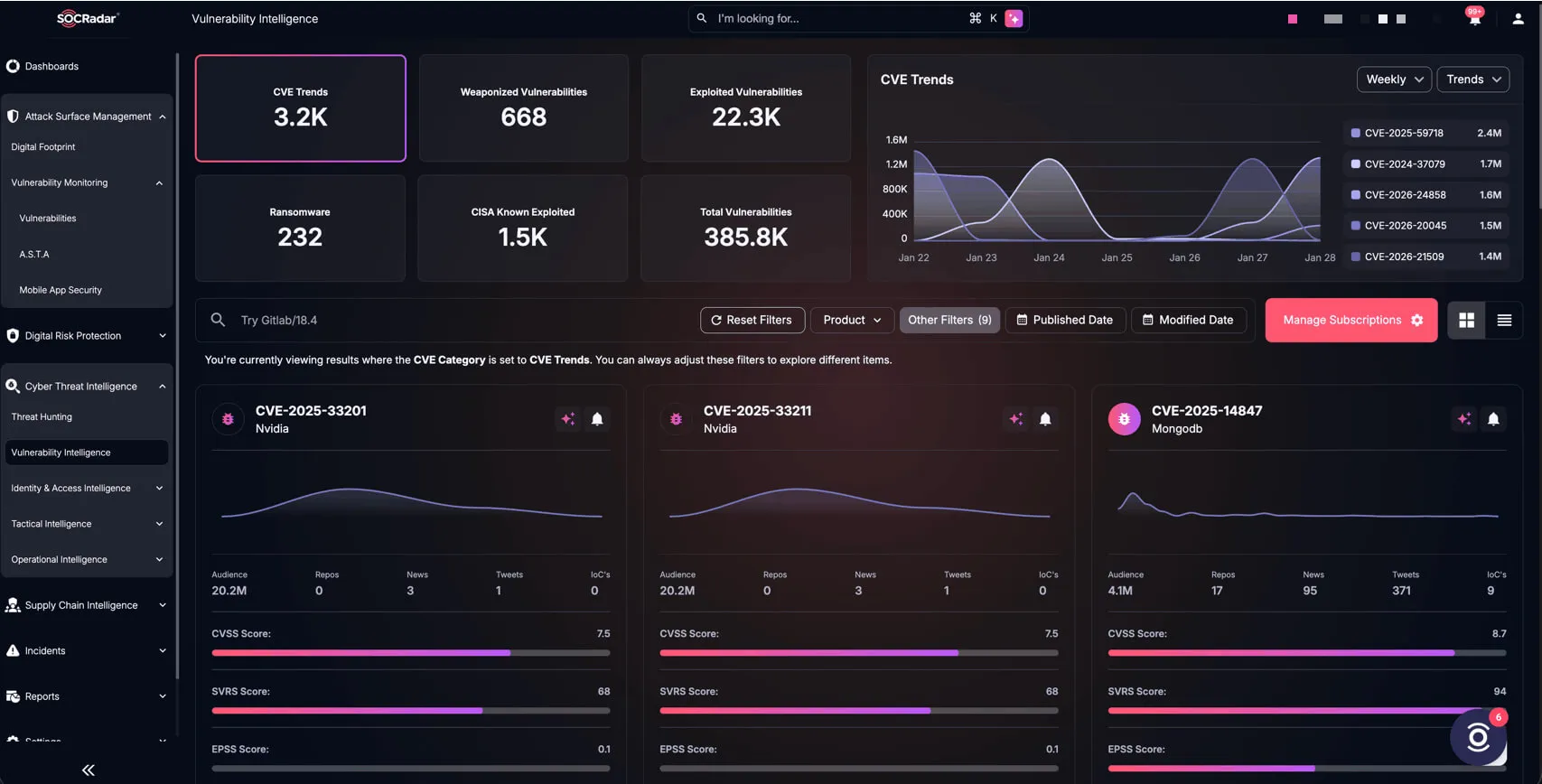
SOCRadar’s Vulnerability Intelligence
What Should Defenders Do?
Upgrade and Verify
Upgrade supported Full Client and Host installations to 15.82 or later. For legacy branches, install the applicable platform-specific fixed build.
Include unattended Hosts, administrative workstations, servers, and remote-support endpoints. Verify the installed version after deployment.
Reduce Exposure
TeamViewer has not published a workaround that fully addresses all five vulnerabilities.
Until patching is complete, restrict unnecessary unattended access, review authorized remote operators, and remove obsolete installations.
Do not rely solely on session permission settings to mitigate CVE-2026-92370, since bypassing those restrictions is its primary impact.
Hunt for Suspicious Activity
TeamViewer has not published confirmed exploitation indicators for these flaws. Nevertheless, defenders can examine available telemetry for:
- Remote sessions: Unusual connections, unfamiliar accounts, or actions inconsistent with configured permissions.
- Privileged file activity: Unexpected writes involving TeamViewer services, installer rollback locations, or Linux recording paths.
- Recording activity: Suspicious .tvs files or unexpected playback and conversion events.
- Endpoint changes: New services, privilege changes, unexpected processes, or modified files following TeamViewer sessions.
These are general hunting opportunities, not confirmed indicators of exploitation.
If suspicious activity is identified, preserve TeamViewer, authentication, and endpoint logs. Review recent sessions and privileged operations, then investigate affected systems for unauthorized access or persistence.