Brand Guideline
Visual Identity & Design Standards
Version 1.0 October 2025
Brand Personality
- Innovative
- Trustworthy
- Human-Centric
- Dynamic
Logo Usage
Guidelines for proper logo usage and placement across all brand materials.
Primary Logo

Logo Variations
-
Full Logo (Primary)
Use on light backgrounds for maximum visibility and brand recognition.
-
Secondary Logo
Use on dark backgrounds as an alternative brand mark when space is limited or for distinctive brand moments.
-
Negative (White Version)
Use on dark backgrounds and photography for optimal contrast.
Download Logo Package
Get all logo variations in multiple formats (PNG, SVG, AI)
Icon

When to Use the Icon
- App icons and favicons
- Social media profile pictures
- Branded patterns and backgrounds
- Loading animations and micro-interactions
- Marketing materials where space is limited
- As a decorative element alongside the full logo
The radar icon is a powerful brand asset that represents SOCRadar’s core mission of vigilant cybersecurity monitoring. The concentric arcs symbolize continuous scanning and protection.
Download Icon Package
Get all icon variations in multiple formats (PNG, SVG, AI)
Clearspace
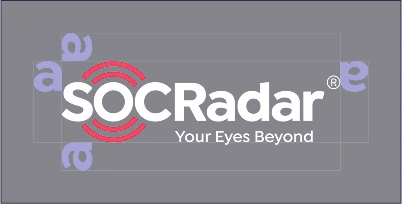
Our logo needs space to breathe. Always maintain a minimum clear space around the logo equal to the width of the lowercase letter “a” from the SOCRadar wordmark. This ensures our brand maintains its visual impact and remains uncluttered in any application.
Clear Space Measurement
Understanding the “a” unit for consistent logo spacing
The clear space unit is based on the width of the lowercase “a” from the SOCRadar wordmark.
- 1
Measure the “a”
Find the width of the lowercase “a” in your logo’s wordmark
- 2
Apply on all sides
Use this measurement as minimum spacing on top, bottom, left, and right
- 3
Maintain consistency
This ensures the logo always has adequate breathing room regardless of size
Minimum Size
Primary Color


Logo Dont’s (Incorrect Usage)
To maintain brand integrity and consistency, never alter the logo in the following ways:
-
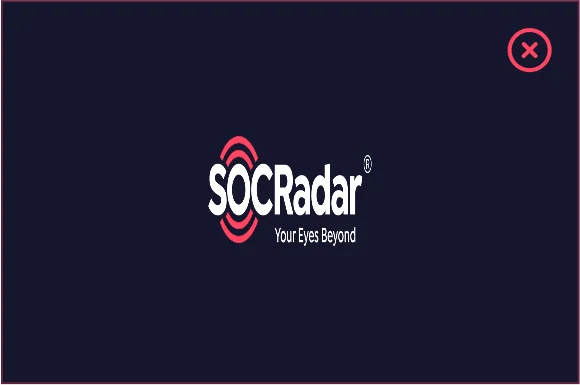
Don’t Stretch or Distort
Always maintain the original aspect ratio
-
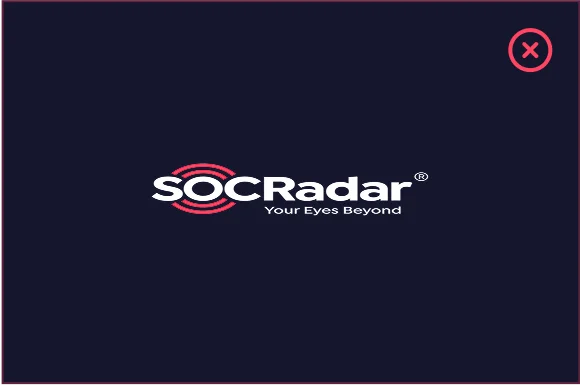
Don’t Compress
Never squeeze or flatten the logo vertically
-
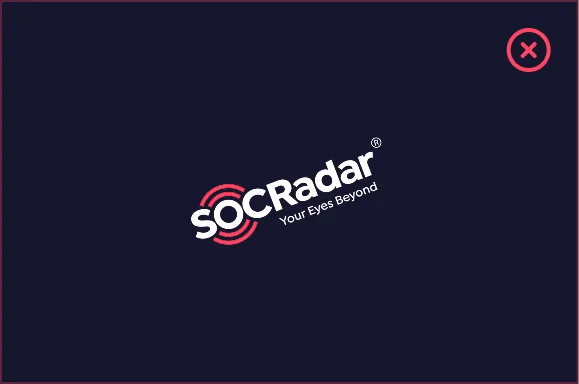
Don’t Rotate
Logo must always remain horizontal
-
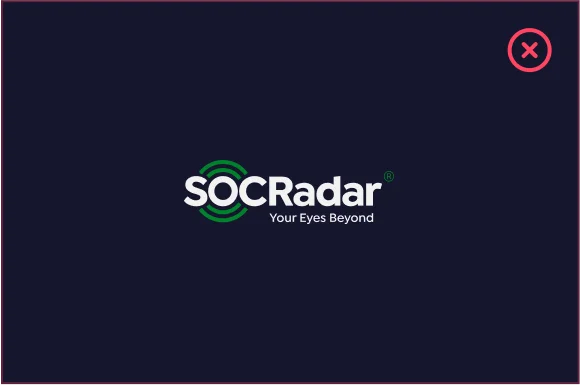
Don’t Change Colors
Only use approved brand colors
-
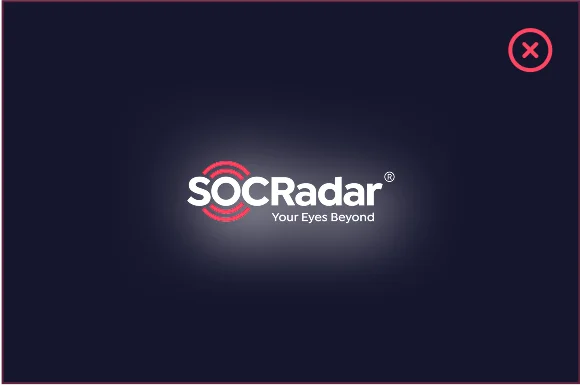
Don’t Add Effects or Shadows
Keep the logo clean without gradients or shadows
-
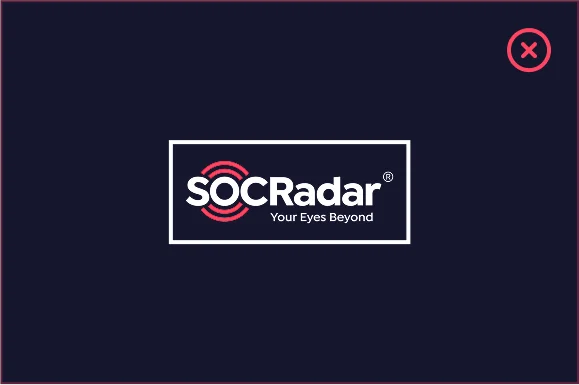
Don’t Add Outlines or Borders
Logo should not have additional strokes
-
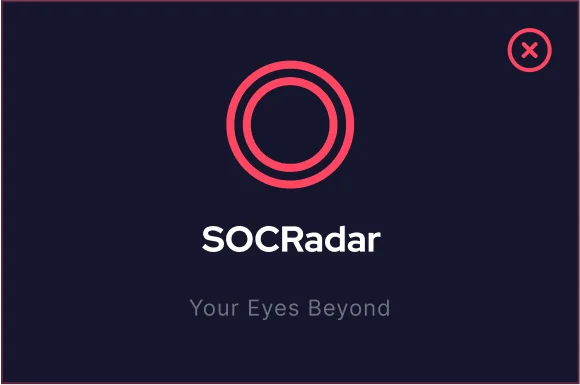
Don’t Rearrange Elements
Maintain the original layout of all elements
-
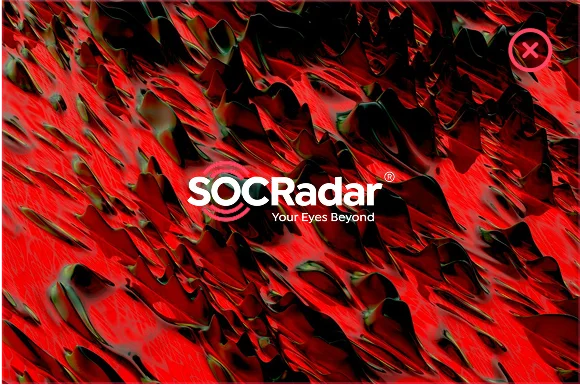
Don’t Use on Busy Backgrounds
Ensure sufficient contrast and clarity
-
Don’t Use on Similar Colors
Avoid backgrounds that reduce visibility
-
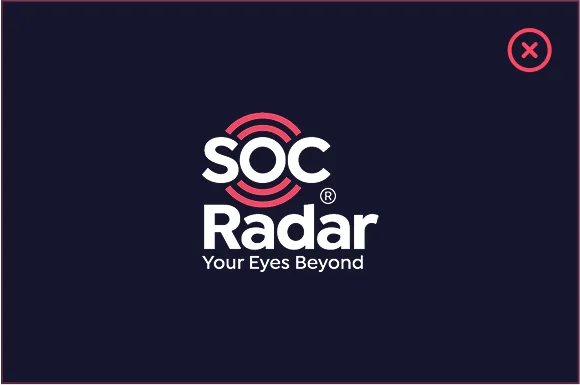
Don’t Change Element Spacing
Keep original spacing between logo elements
-

Don’t Use Low Resolution
Always use high-quality vector files
-
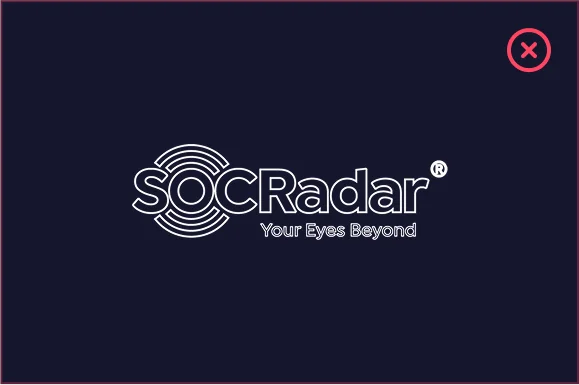
Don’t Use Logo in Outline Form
Always use the filled version of the logo
-
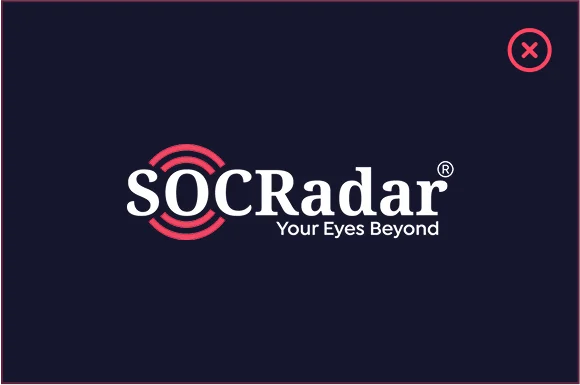
Don’t Change the Typeface
Always use original font
-
Don’t Add Icons or Elements
Keep the logo in its original form without additions
-
Don’t Change the Tagline
Always use “Your Eyes Beyond” as written
Readability
Ensuring the logo remains clear and legible across all sizes and contexts is crucial for brand recognition. These examples demonstrate proper contrast and visibility standards.
Size & Clarity
-

Optimal Size
Logo is clearly visible and all details are sharp
-
Minimum Size (120px)
Still readable at minimum recommended size
Background Contrast
-
Dark Background
Excellent contrast with dark backgrounds
-
Light Background
Use full logo on light backgrounds
-
With Safe Zone
Use background overlay when needed
Contrast Guidelines
Always ensure sufficient contrast between the logo and its background. The logo should be immediately recognizable without straining the eye.
-
0% Black
Contrast ratio = 4.8:1
-
10% Black
Contrast ratio = 3.8:1
-
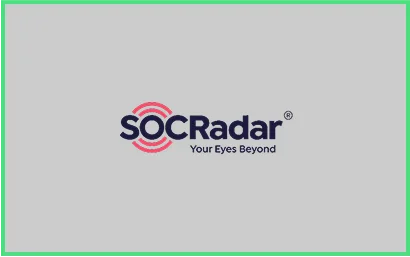
20% Black
Contrast ratio = 3:1
-
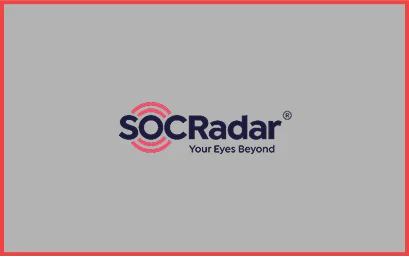
30% Black
Contrast ratio = 2.5:1
-
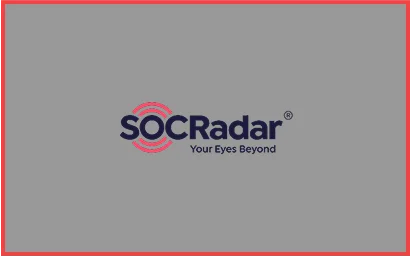
40% Black
Contrast ratio = 1.7:1
-
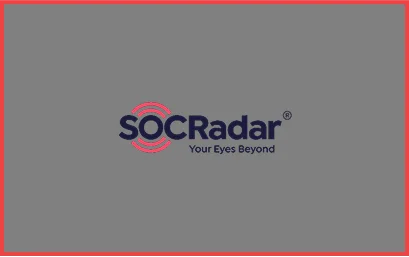
50% Black
Contrast ratio = 1.2:1
-
60% Black
Contrast ratio = 1.2:1
-

70% Black
Contrast ratio = 1.8:1
-
80% Black
Contrast ratio = 2.6:1
-

90% Black
Contrast ratio = 3.7:1
-
100% Black
Contrast ratio = 4.4:1
Contrast Ratio Guidelines
- 3:1 or higher: Meets standards for non-text elements – acceptable for logo usage
- Below 3:1: Insufficient contrast – avoid for logo placement
- Use the white/light logo version on very dark backgrounds (90%+ black)
- Use the primary logo on light backgrounds (0-20% black) for best visibility
Color Palette
Our carefully selected color palette that defines our visual identity.
Primary Colors
-
Energetic Coral
PRIMARY- HEX
- #FF4562
- RGB
- 255, 69, 98
- CMYK
- 0, 73, 62, 0
Call-to-action buttons, headlines, key highlights, and accents.
-
Deep Night Blue
PRIMARY- HEX
- #1B1B3C
- RGB
- 27, 27, 60
- CMYK
- 55, 55, 0, 76
Main body text, dark backgrounds, corporate materials requiring a professional tone.
-
Pure White
PRIMARY- HEX
- #FFFFFF
- RGB
- 255, 255, 255
- CMYK
- 0, 0, 0, 0
Backgrounds, negative space, text on dark backgrounds.
Color Tones & Shades
Use these tonal variations to create depth and hierarchy while maintaining brand consistency.
Energetic Coral Variations
-
Lightest
- HEX
- #FFD1DB
- RGB
- 255, 209, 219
-
Light
- HEX
- #FF9BB0
- RGB
- 255, 155, 176
-
Base
- HEX
- #FF4562
- RGB
- 255, 69, 98
-
Dark
- HEX
- #CC3750
- RGB
- 204, 55, 80
-
Darkest
- HEX
- #99293C
- RGB
- 153, 41, 60
Deep Night Blue Variations
-
Lightest
- HEX
- #8D8DA2
- RGB
- 141, 141, 162
-
Light
- HEX
- #54546F
- RGB
- 84, 84, 111
-
Base
- HEX
- #1B1B3C
- RGB
- 27, 27, 60
-
Dark
- HEX
- #15152F
- RGB
- 21, 21, 47
-
Darkest
- HEX
- #0D0D1C
- RGB
- 13, 13, 28
Color Usage Hierarchy
The 60-30-10 rule ensures visual balance in all brand materials. This principle creates hierarchy and prevents color overload.
Deep Night Blue (Dominant)
Backgrounds, large sections, headers
Pure White / Light Gray (Secondary)
Content areas, cards, supporting elements
Energetic Coral (Accent)
CTAs, highlights, important interactions
Visual Example
- 60% – Background & Headers
- 30% – Content Areas
- 10% – Accents
This proportional split creates visual hierarchy and guides user attention effectively.
Typography
Font families, weights, and hierarchy for consistent communication.
Font Families
Red Hat Display
Primary typeface for headlines and impactful text
- Medium (500)Your Eyes Beyond
- Semibold (600)Your Eyes Beyond
- Bold (700)Your Eyes Beyond
Use for: Main headlines (H1), sub-headlines (H2, H3), and other impactful text elements.
Inter
Secondary typeface for body text and readability
- Regular (400)Your Early Warning System Against Hackers
- Medium (500)Your Early Warning System Against Hackers
- Semibold (600)Your Early Warning System Against Hackers
Use for: Paragraphs, lists, button text, and any smaller text where readability is critical
Font Families
-
Innovating the Future of Technology
-
Our Mission and Vision
-
Key Features and Benefits
-
Additional Information
-
Our brand aims to make a difference in the industry with user-friendly interfaces and a powerful infrastructure. We believe in innovation, trust, and putting people at the center of everything we do.
-
Supporting text that provides additional context with a lighter visual weight. Perfect for secondary information and complementary content.
-
Email Address
Typography in Practice
HERO SECTION
Your Eyes Beyond
Your Early Warning System Against Hackers
Detect threats before they become breaches. SOCRadar provides comprehensive cyber threat intelligence and digital risk protection for organizations worldwide. Stay ahead of cyber adversaries with real-time monitoring and actionable insights.
FEATURE CARD
Threat Intelligence Platform
Real-time monitoring and analysis of cyber threats across the digital landscape.
Brand Protection
Safeguard your brand reputation with continuous monitoring and instant alerts.
Attack Surface Management
Identify and reduce vulnerabilities before attackers can exploit them.
ARTICLE LAYOUT
The Future of Cyber Threat Intelligence
In an increasingly connected world, organizations face sophisticated cyber threats that evolve at an unprecedented pace. Traditional security measures are no longer sufficient to protect against modern attack vectors.
24/7 Monitoring
Continuous surveillance of potential threats
AI-Powered Analysis
Machine learning detects anomalies instantly
Global Coverage
Protection across all digital channels worldwide
Proactive Defense Strategy
SOCRadar empowers security teams to shift from reactive to proactive defense. By providing early warning signals and actionable intelligence, organizations can prevent incidents before they occur.
Co-branding Principles
Professional guidelines for partnering with other organizations while maintaining brand integrity.
Co-branding Overview
When partnering with other organizations, maintaining brand integrity while respecting partner identities is crucial. These guidelines ensure professional and balanced co-branding applications.
Visual Hierarchy
Establish clear hierarchy based on partnership type and context
Consistent Spacing
Maintain adequate space between logos to preserve individual identities
Mutual Respect
Treat partner logos with the same care as our own brand assets
Logo Arrangement
Proper arrangement ensures both brands are represented professionally
-
 Partner Logo
Horizontal Arrangement (Preferred)
Use a vertical divider with spacing of 1x to 1.5x logo height between logos
-
Partner Logo
Vertical Arrangement (Alternative)
Use horizontal divider when vertical space is limited. Maintain 1.5x logo height spacing
-
Partner Logo
Avoid: Insufficient Spacing
Never place logos too close together. This creates visual confusion
Size Relationships
Logo sizes should reflect partnership hierarchy and context
 Partner Logo
Partnership
For equal partnerships, logos should be the same height
Background & Color Considerations
Choose appropriate logo versions based on background
-
 Partner Logo
Light Backgrounds
Use primary logo versions on light backgrounds
-
Partner Logo
Dark Backgrounds
Use white/light logo versions on dark backgrounds
Best Practices
Do
- Always use official logo files from both brands
- Maintain consistent spacing across all applications
- Use dividers to separate logos when appropriate
- Ensure both logos have sufficient contrast with background
- Document the agreed-upon arrangement for consistency
Don’t
- Never modify partner logos or change their colors
- Don’t merge or overlap logos
- Never use low-resolution or stretched logos
- Don’t place logos on busy or distracting backgrounds
- Avoid placing logos at dramatically different sizes unless approved
Partner Logo Requirements
Prepare these assets for successful co-branding
- 1
Vector Files (AI, EPS, or SVG)
High-quality scalable formats for print and digital use
- 2
PNG Files (Transparent Background)
Minimum 300 DPI for print, 72 DPI acceptable for digital
- 3
Multiple Color Versions
Full color, white, and black versions for different backgrounds
- 4
Brand Guidelines
Clear space requirements, minimum sizes, and usage restrictions
Real-World Examples
See how co-branding can be applied across different marketing materials and platforms
-
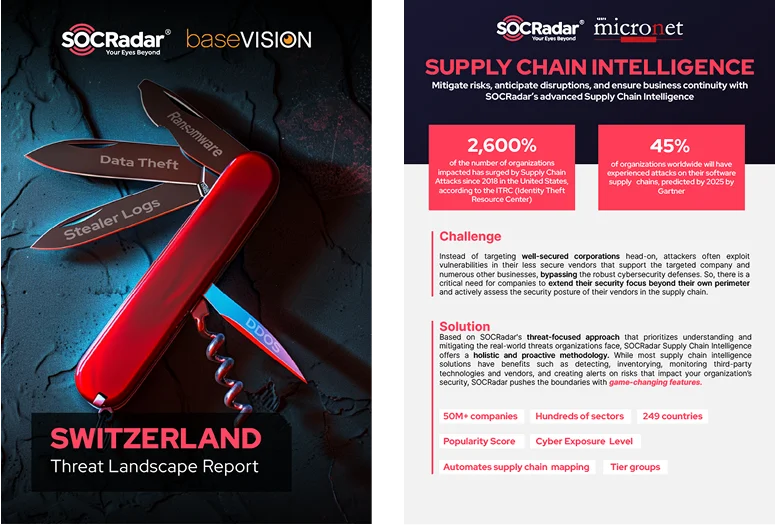
Report Cover
Co-branded research materials with equal partnership display
-
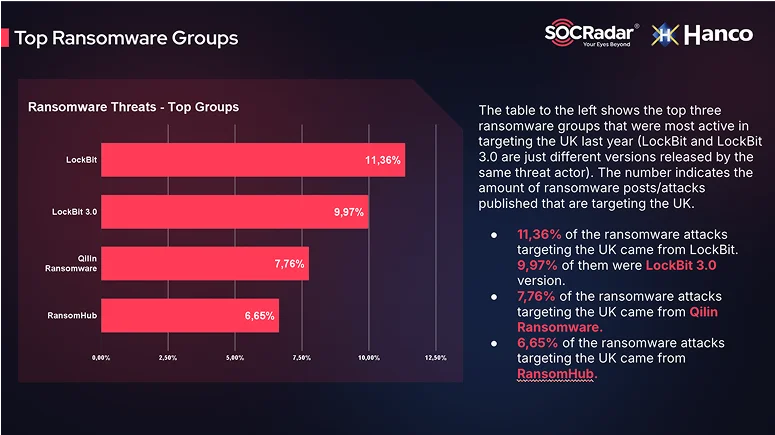
Webinar Presentation
Digital presentation slides with top-corner logo placement
-

Event Banner
Physical and digital event banners with horizontal logo arrangement
-

Social Media Post
Social media graphics with minimal logo placement
-
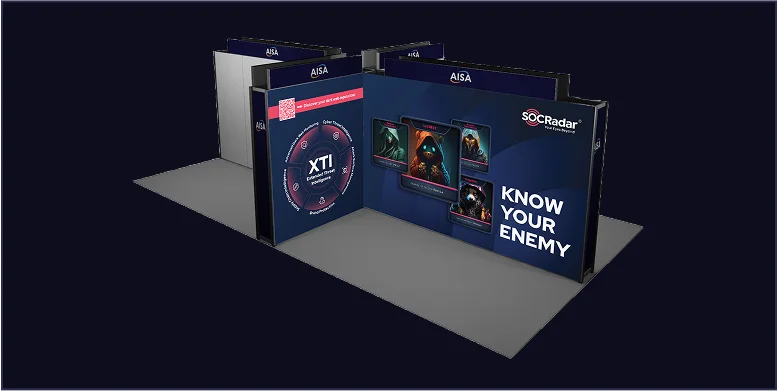
Conference Booth
Large format prints for exhibition booths and stands
Social Media
Templates and guidelines for creating engaging social media content.
General Principles
Always Include Logo
The logo must be present and visible on every post, typically in the top-right or bottom-left corner.
Stick to Brand Colors
Adhere strictly to the brand color palette. Use Energetic Coral to draw attention to key elements.
Maintain Typography
The established typographic hierarchy must be maintained across all social media content.
Examples