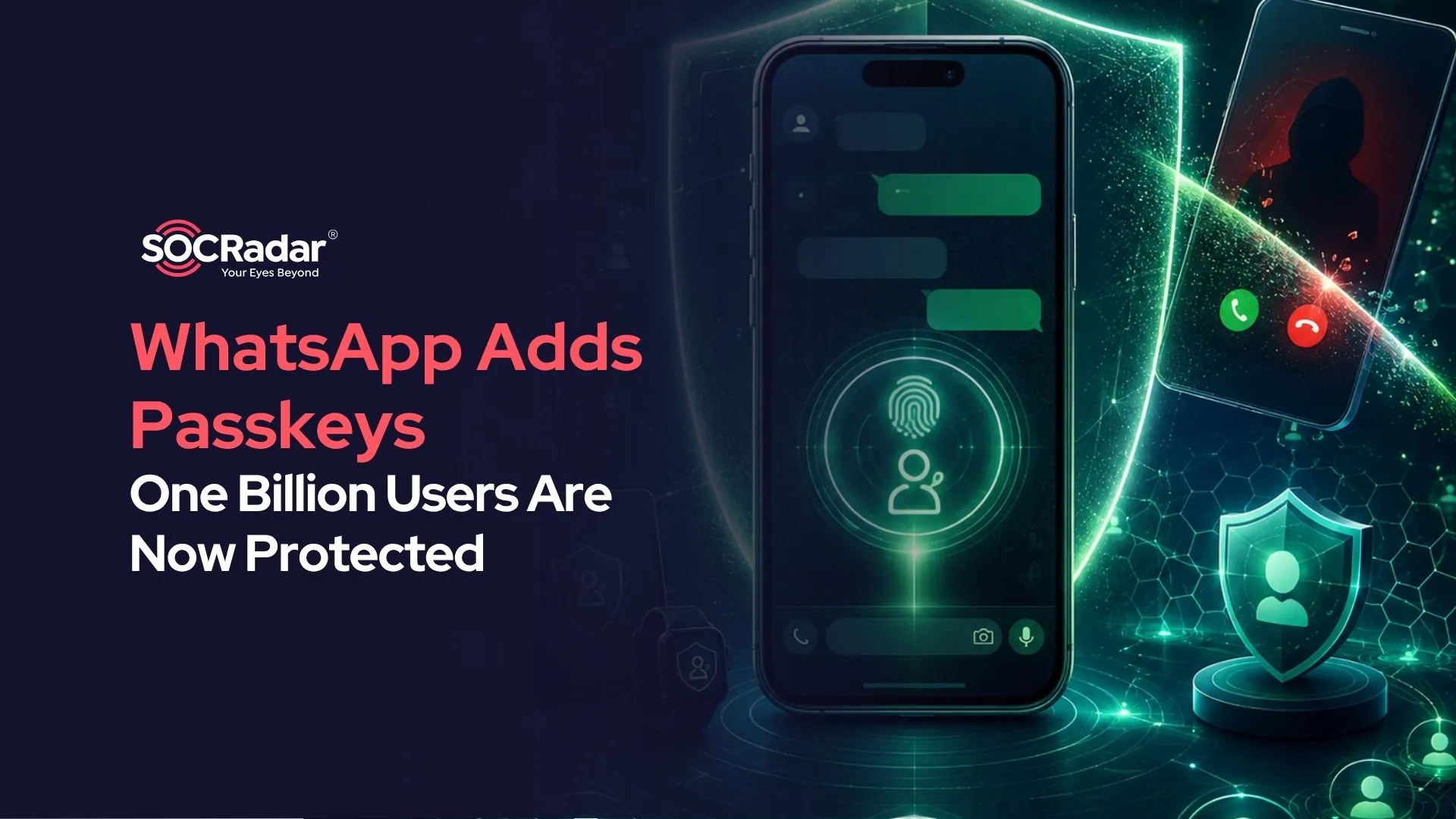
WhatsApp Says One Billion Users Are Now Protected by Passkeys
The milestone signals that phishing-resistant authentication has moved into the consumer mainstream, while new controls target registration code theft and scam calls.
| Passkey adoption | More than one billion WhatsApp users have configured a passkey. |
|---|---|
| New protections | Multiple passkeys per account, stronger two-step verification, and additional context for unknown callers on Android. |
| Cybersecurity relevance | Reduced exposure to phishing, SIM Swap abuse, guessed verification PINs, and urgency based call scams. |
What Did WhatsApp Announce?
WhatsApp says more than one billion people have now configured passkeys for the service. A passkey lets a user verify an account with the device’s fingerprint, facial recognition system, or screen lock code instead of relying on a registration code or PIN. WhatsApp now also permits more than one passkey on an account, which is useful for people who use both Android and iOS devices.
The company also strengthened two-step verification. The former six digit PIN can now be replaced with a longer alphanumeric password that supports special characters. On Android, calls from numbers outside a user’s contacts will show more context, including whether the number is international and whether the caller shares any groups with the recipient.
Why the Passkey Milestone Matters
Passkeys replace shared secrets with public key cryptography. The private key remains with the user’s device or passkey provider, while the service stores a corresponding public key. Because authentication is bound to the legitimate service, a convincing fake login page cannot collect a reusable passkey in the way it can steal a password or one time code. The FIDO Alliance therefore describes passkeys as phishing-resistant authentication.
The scale is the bigger story. Passkeys are no longer confined to enterprise pilots or security conscious early adopters. Adoption by one billion WhatsApp users shows that a stronger authentication method can reach a mass consumer audience when it is integrated into familiar device biometrics and screen locks.
What the New Controls Do Not Solve
Passkeys reduce several account takeover paths, but they do not eliminate social engineering. An attacker may still persuade a victim to approve an unexpected linked device, exploit an already unlocked or compromised phone, abuse recovery processes, or impersonate a trusted contact after compromising another account. Recent reporting on so-called GhostPairing scams illustrates this distinction: victims were tricked into authorizing a companion device through WhatsApp’s legitimate linking workflow rather than having an authentication secret cracked.
The three updates therefore address different layers of risk. Passkeys harden account verification, stronger two-step verification makes the fallback control harder to guess, and caller context gives users more information before responding to an unfamiliar number. None is a substitute for reviewing linked devices and treating unexpected requests with caution.
What Should Users and Security Teams Do?
- Create a WhatsApp passkey under Settings > Account > Passkeys and protect the device with a strong screen lock.
- Replace a weak six digit verification PIN with the stronger password option when it becomes available.
- Review Linked Devices regularly and remove any session that is unfamiliar or no longer needed.
- Never share registration codes or approve a device linking request initiated by someone else.
- For organizations, extend the same principle to workforce identities by prioritizing FIDO2 or WebAuthn authentication and hardening recovery and session management workflows.