CVE-2026-27540 WooCommerce Flaw Exploited
Attackers are actively exploiting CVE-2026-27540, a critical arbitrary file-upload vulnerability in the WooCommerce Wholesale Lead Capture plugin for WordPress.
The flaw allows unauthenticated attackers to upload arbitrary files to affected servers, potentially leading to remote code execution. Wordfence says it has blocked more than 100,000 exploitation attempts, making immediate updates and compromise checks a priority for sites running vulnerable versions.
What Is CVE-2026-27540?
CVE-2026-27540 is an unauthenticated arbitrary file-upload vulnerability in Wholesale Lead Capture Plugin for WooCommerce, developed by Rymera Web Co. The vulnerability is classified as CWE-434: Unrestricted Upload of File with Dangerous Type.
Wordfence rates CVE-2026-27540 9.8, Critical, with a network-accessible attack vector requiring no authentication or user interaction. An attacker could upload executable PHP content to an affected server, potentially enabling remote code execution and site compromise.
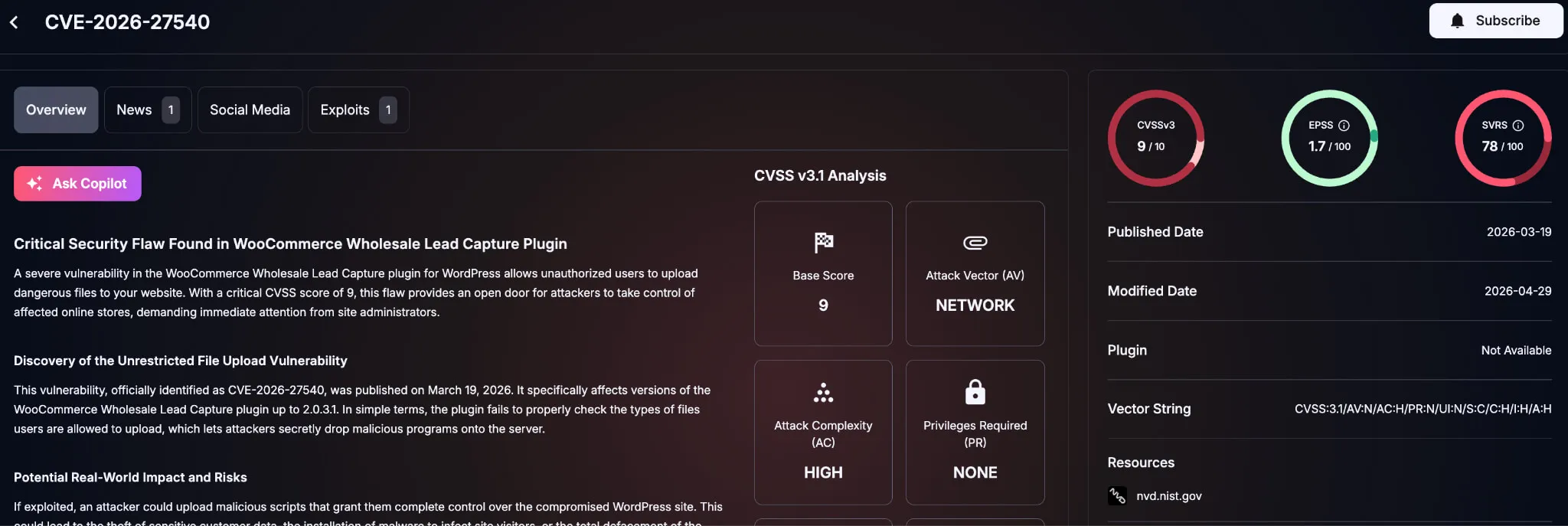
Details of CVE-2026-27540 (SOCRadar Vulnerability Intelligence)
The plugin reportedly has more than 6,000 active installations, although that does not indicate how many remain vulnerable or have been compromised.
Which WooCommerce Wholesale Lead Capture Versions Are Affected?
CVE-2026-27540 affects WooCommerce Wholesale Lead Capture 2.0.3.1 and earlier. The vulnerability was fixed in version 2.0.3.2.
| Version | Status | Action |
|---|---|---|
| 2.0.3.1 and earlier | Vulnerable | Update immediately |
| 2.0.3.2 or later | Patched | Verify deployment |
Sites running an affected release should be treated as exposed until they are updated or the plugin is removed.
How Does CVE-2026-27540 Work?
The vulnerability involves the plugin’s wwlc_file_upload_handler AJAX action, which processes files submitted through the wholesale registration functionality.
According to technical reporting, the vulnerable handler fails to enforce appropriate file-type validation. An unauthenticated attacker can manipulate the upload request and submit an executable PHP file rather than an expected document or image.
If the uploaded file can execute on the server, an attacker may achieve remote code execution. Potential follow-on activity could include deploying a web shell, modifying site files, creating accounts, stealing data, or installing additional malware.
These are potential outcomes rather than evidence that every vulnerable WordPress installation can be compromised in the same way. Server configuration, filesystem permissions, and controls around PHP execution can affect the outcome.
CVE-2026-27540 Exploitation Surpasses 100,000 Attempts
Wordfence reports that its firewall has blocked more than 100,000 exploit attempts targeting CVE-2026-27540.
Attack activity was concentrated between June 4 and June 17, 2026, with additional spikes observed on July 1 and August 30. Attackers attempted to upload malicious PHP content, including web-shell functionality.
More recent telemetry indicates that exploitation continues. Wordfence’s vulnerability database currently reports thousands of blocked attempts within a 24-hour period, although the number changes as new activity is recorded.
These figures confirm substantial exploitation attempts, but they do not establish how many attacks resulted in successful compromise.
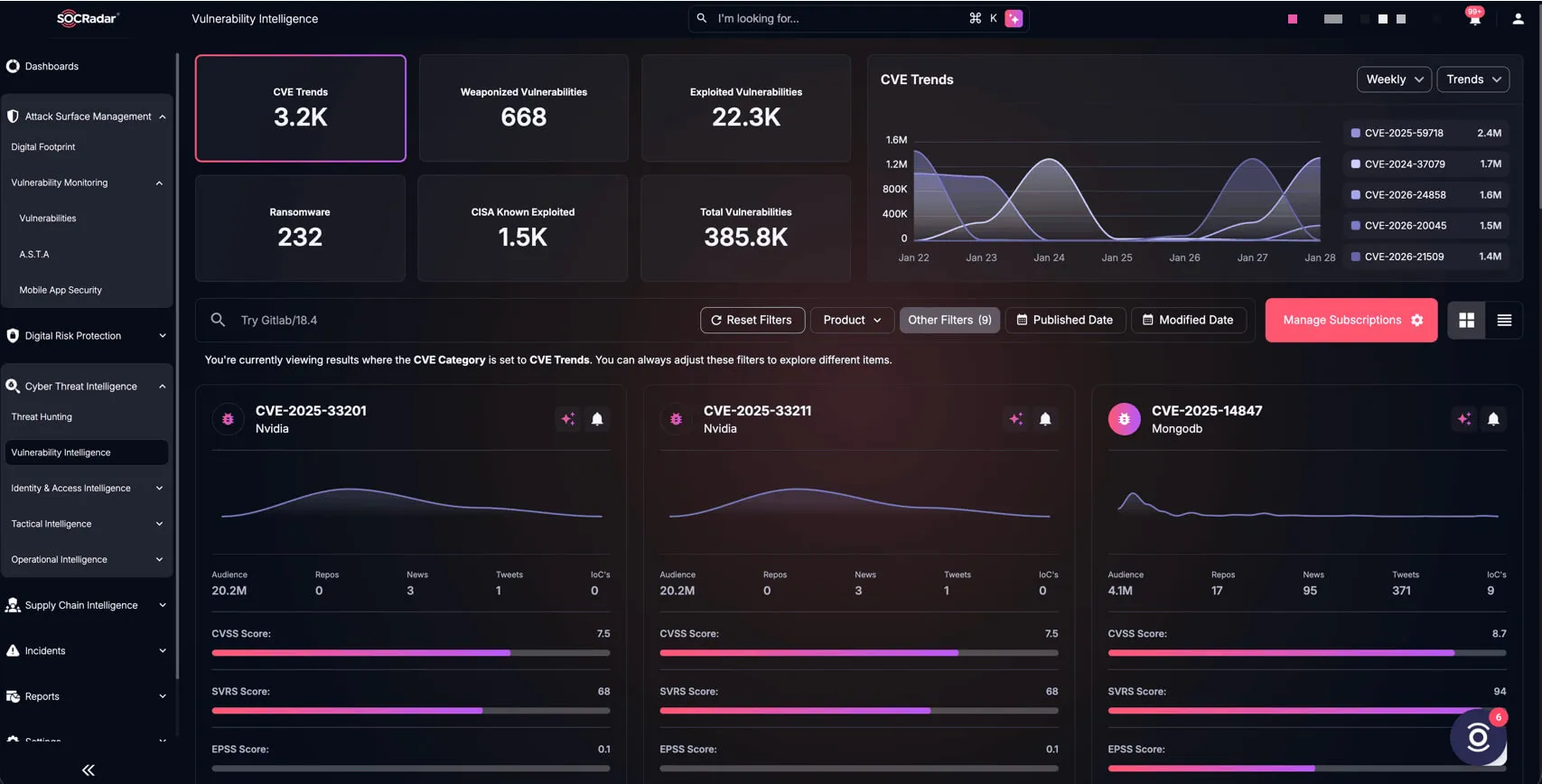
SOCRadar Vulnerability Intelligence
Track exploitation trends and patch availability in real time with the SOCRadar Cyber Threat Intelligence module. Pair it with Attack Surface Management (ASM) to instantly map exposed, internet-facing assets running vulnerable versions of WooCommerce Wholesale Lead Capture (2.0.3.1 and earlier) and prioritize immediate remediation.
What Should Defenders Do About CVE-2026-27540?
Update to Version 2.0.3.2 or Later
Organizations using WooCommerce Wholesale Lead Capture should upgrade to version 2.0.3.2 or later immediately and verify the deployed version across production, staging, and other WordPress environments. Both Wordfence and Patchstack identify 2.0.3.2 as the patched release.
Firewall or virtual-patching protections can reduce exposure but should not replace the plugin update. Patchstack, for example, has issued a mitigation rule while recommending that users upgrade.
If immediate patching is not possible, organizations can consider temporarily disabling the affected plugin or vulnerable functionality and restricting unnecessary exposure until the update can be deployed.
Hunt for Signs of Exploitation
Sites that ran a vulnerable version while internet-facing should also be investigated for possible compromise.
Defenders should review web and WordPress logs for suspicious requests involving admin-ajax.php and the wwlc_file_upload_handler action. Check upload directories and other locations intended for documents or images for unexpected or recently created PHP files.
Teams should also investigate unexplained administrator accounts, modified plugin or theme files, .htaccess changes, suspicious scheduled tasks, and unexpected outbound connections from the web server.
The absence of obvious indicators does not prove that a site was not compromised. If suspicious activity is identified, preserve logs and other evidence before cleanup, investigate the scope of access, and rotate sensitive credentials and invalidate active sessions as appropriate.