




Oct 07, 2026
Table Of Content
GhostLoader Malware Spreads Through Fake OpenClaw npm Package
What Is the Malicious npm Package Targeting Developers?
How Does the Fake OpenClaw Installer Infect Systems?
What Data Does the GhostLoader Malware Steal?
Why Is the Browser Cloning Feature So Dangerous?
How Does the Malware Maintain Persistence?
How Can Developers Avoid npm Supply Chain Attacks?
Related Articles
NetScaler C2: CVE-2026-88771 Exploitation Operation




Mar 10, 2026
5 Mins Read

Summarize with:
GhostLoader Malware Spreads Through Fake OpenClaw npm Package
Security researchers uncovered a malicious npm package distributing GhostLoader, a sophisticated information‑stealing malware framework. The package masquerades as an installer for OpenClaw, but instead of delivering a legitimate utility, it launches a multi-stage attack that steals credentials, crypto wallets, browser data, and developer secrets while installing a persistent Remote Access Trojan (RAT).
In this blog, we will break down how the malicious npm package works, what makes the attack dangerous, and what developers should watch for when installing third-party packages.
What Is the Malicious npm Package Targeting Developers?
The package, published as @openclaw-ai/openclawai, appeared in the npm registry in early March 2026. It presents itself as a command-line installer for an OpenClaw integration tool.
At first glance, the project looks legitimate. Its package configuration contains a harmless utility and typical metadata such as versioning, scripts, and dependencies. However, the real functionality hides in installation scripts that execute automatically once the package is installed.
The attack begins with a postinstall script that silently reinstalls the package globally on the system. This step ensures the malicious command becomes available in the system PATH, making it behave like a normal CLI tool.
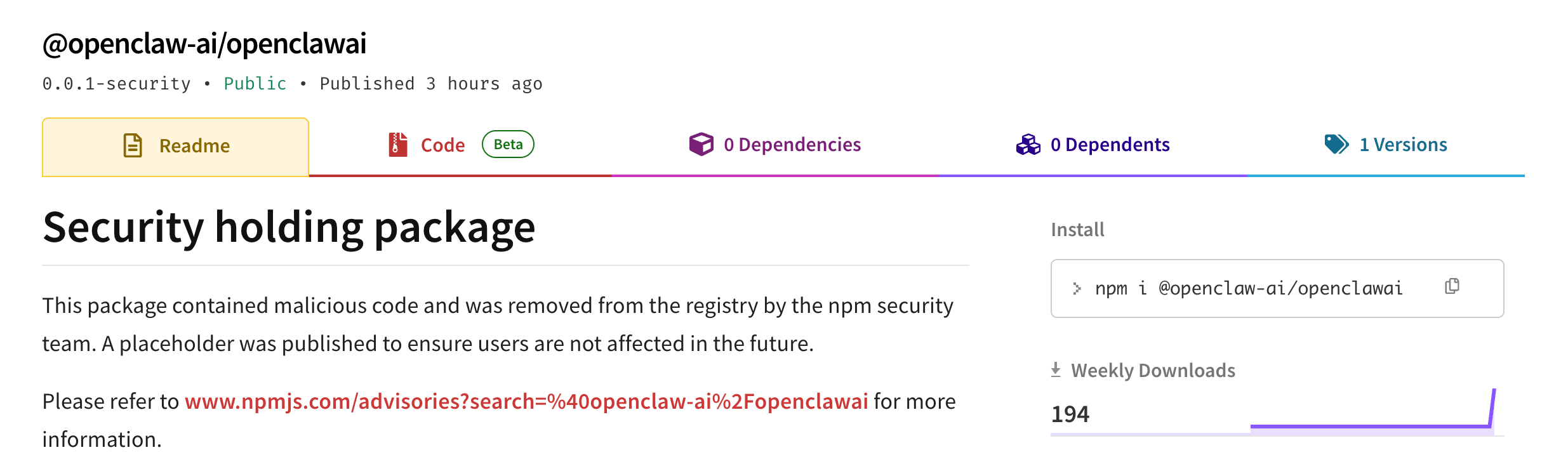
The malicious npm package was taken down as a security measure.
Once triggered, the installer launches a staged infection chain that ultimately deploys a malware framework known internally as GhostLoader.
How Does the Fake OpenClaw Installer Infect Systems?
The attack relies heavily on deception to convince developers that a legitimate installation is taking place.
A Fake Command-Line Installer
When executed, the installer displays a realistic command-line interface with animated progress bars and status messages. These visuals mimic the behavior of a real software installer, making the process appear trustworthy.
While the user watches the progress animation, the script quietly downloads the next stage of the malware from a remote command-and-control server.
A Deceptive System Password Prompt
After the fake installation appears to finish, the script displays a fraudulent Keychain authorization prompt asking for the system password. The message claims administrator privileges are required to finalize setup.
The prompt behaves like a genuine operating system authentication request. If the password is entered, the malware verifies it against the system’s authentication mechanism, making the deception more convincing.
This stolen credential becomes a key component of the attack. With it, the malware can unlock sensitive system stores such as the macOS Keychain and browser encryption keys.
What Data Does the GhostLoader Malware Steal?
The second stage of the malware is a large JavaScript payload containing thousands of lines of code dedicated to data collection and remote access capabilities.
Once active, it gathers information from multiple sources across the compromised system, including:
- System credential stores, such as macOS Keychain databases
- Browser data, including saved passwords, cookies, credit cards, and autofill entries from Chromium-based browsers and Firefox
- Cryptocurrency wallets, seed phrases, and wallet application data
- SSH keys and developer credentials used for cloud services and repositories
- Cloud configuration files, including AWS, Azure, Kubernetes, Docker, and GitHub credentials
- AI development tool configurations and agent environments
- Messages and notes, including Apple Notes and iMessage history (if disk permissions allow access)
After gathering the information, the malware compresses the stolen data and sends it to attacker infrastructure through multiple channels such as command-and-control servers and messaging APIs.
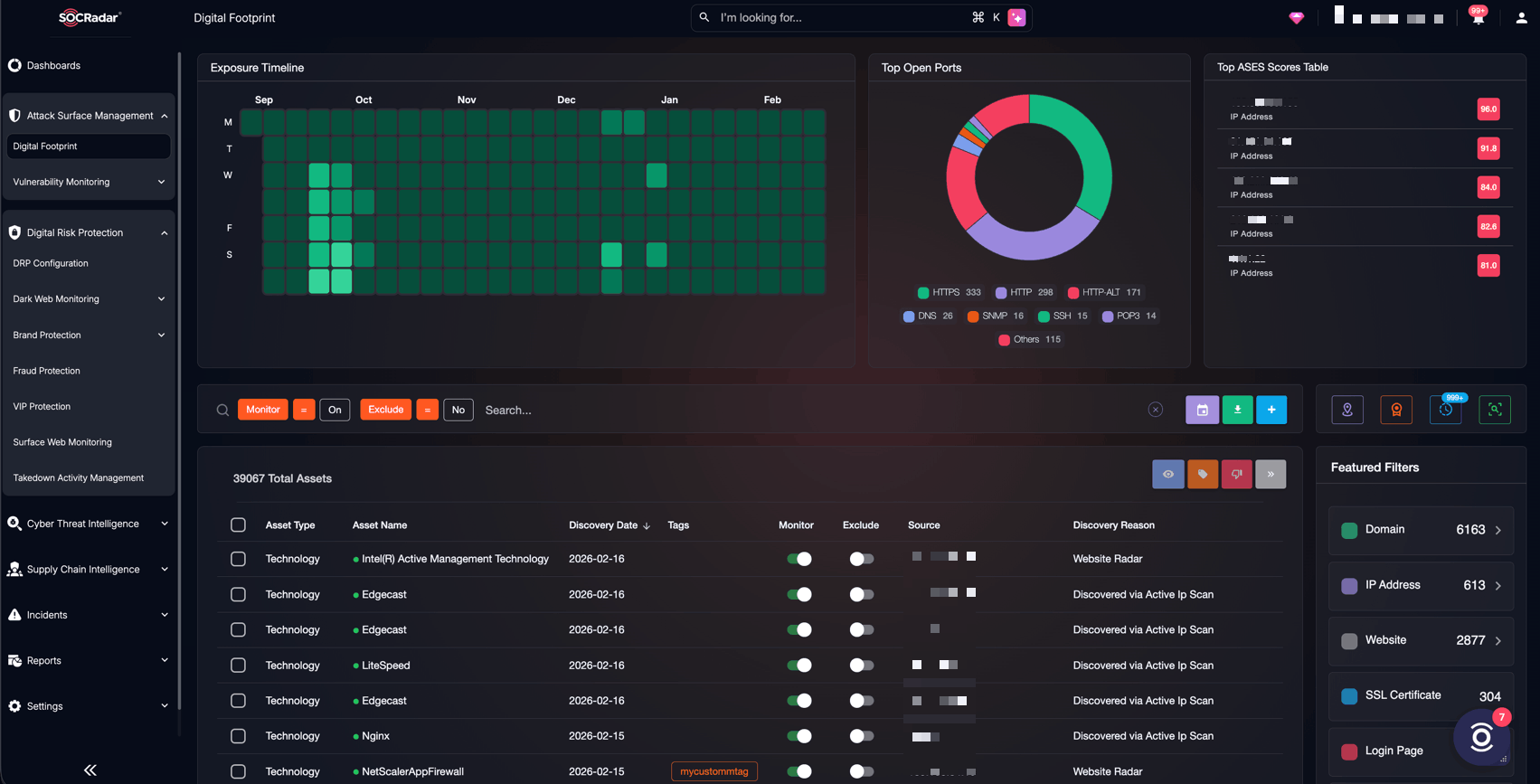
SOCRadar’s Digital Footprint Monitoring
Security teams need visibility into emerging supply chain threats, malicious packages, and attacker infrastructure before they reach internal environments.
Platforms such as SOCRadar XTI help organizations track these risks by monitoring threat intelligence sources, identifying malicious domains, suspicious packages, and active attacker campaigns targeting developers. With continuous visibility into external threats and exposed assets, security teams can detect indicators of compromise faster and respond before attackers establish persistence.
As supply chain attacks continue to target developers and cloud environments, combining secure development practices with external threat intelligence becomes an increasingly important layer of defense.
Why Is the Browser Cloning Feature So Dangerous?
One of the most concerning capabilities in the malware is live browser session cloning.
Instead of simply stealing credentials, the attacker can duplicate an entire browser profile and launch it in a headless environment. This copied profile includes:
- Active cookies
- Login sessions
- Browsing history
- Saved tokens
As a result, attackers can access online services exactly as the victim would, bypassing login protections and even some multi-factor authentication mechanisms.
This capability dramatically increases the risk of account compromise across services like developer platforms, cloud providers, and internal tools.
How Does the Malware Maintain Persistence?
GhostLoader doesn’t stop after stealing data once. It installs several persistence mechanisms to ensure long-term access.
These techniques include:
- Installing itself in a hidden directory disguised as npm telemetry files
- Adding startup commands to shell configuration files such as .bashrc or .zshrc
- Creating scheduled tasks or cron jobs to relaunch the malware
- Running as a background process that regularly communicates with attacker infrastructure
Once persistence is established, the malware acts as a fully functional RAT, allowing attackers to run commands, download additional payloads, or create a SOCKS5 proxy through the infected system.
For deeper technical analysis and Indicators of Compromise (IoCs), see the full research report.
How Can Developers Avoid npm Supply Chain Attacks?
Incidents like this highlight the growing risk of malicious packages in open-source registries. Developers can reduce exposure by following several practical safeguards:
- Verify package sources carefully: Confirm the publisher and repository before installing packages and be cautious of similarly named packages that mimic popular tools.
- Review install scripts: Packages using postinstall scripts or remote payload downloads should be examined carefully.
- Limit installation privileges: Avoid running package installations with elevated privileges unless necessary.
- Use security scanning tools: Dependency analysis tools can detect suspicious behavior or known malicious packages.
- Monitor credential exposure: Rotate credentials immediately if suspicious packages were installed.



