Elementor Pro RCE Flaw Under Active Attack
A critical vulnerability in Elementor Pro, a widely used WordPress page builder plugin, allowed unauthenticated attackers to upload files through the plugin’s Forms module. Tracked as CVE-2026-32475, the flaw could lead to remote code execution on affected sites. Wordfence reported blocked exploitation attempts beginning August 19, 2026, the same day Elementor released a fix.
Site owners running Elementor Pro should patch immediately and review exposed sites for signs of compromise.
What Does CVE-2026-32475 Affect?
CVE-2026-32475 (CVSS 9.0) sits in the Forms module’s File Upload field. According to Patchstack’s advisory, the code that validates a file’s extension and the code that moves the file into a public directory run as two separate steps that handle empty file entries differently. That inconsistency reportedly allows an attacker to bypass the extension check and place a file in a publicly accessible directory, where the server may execute it.
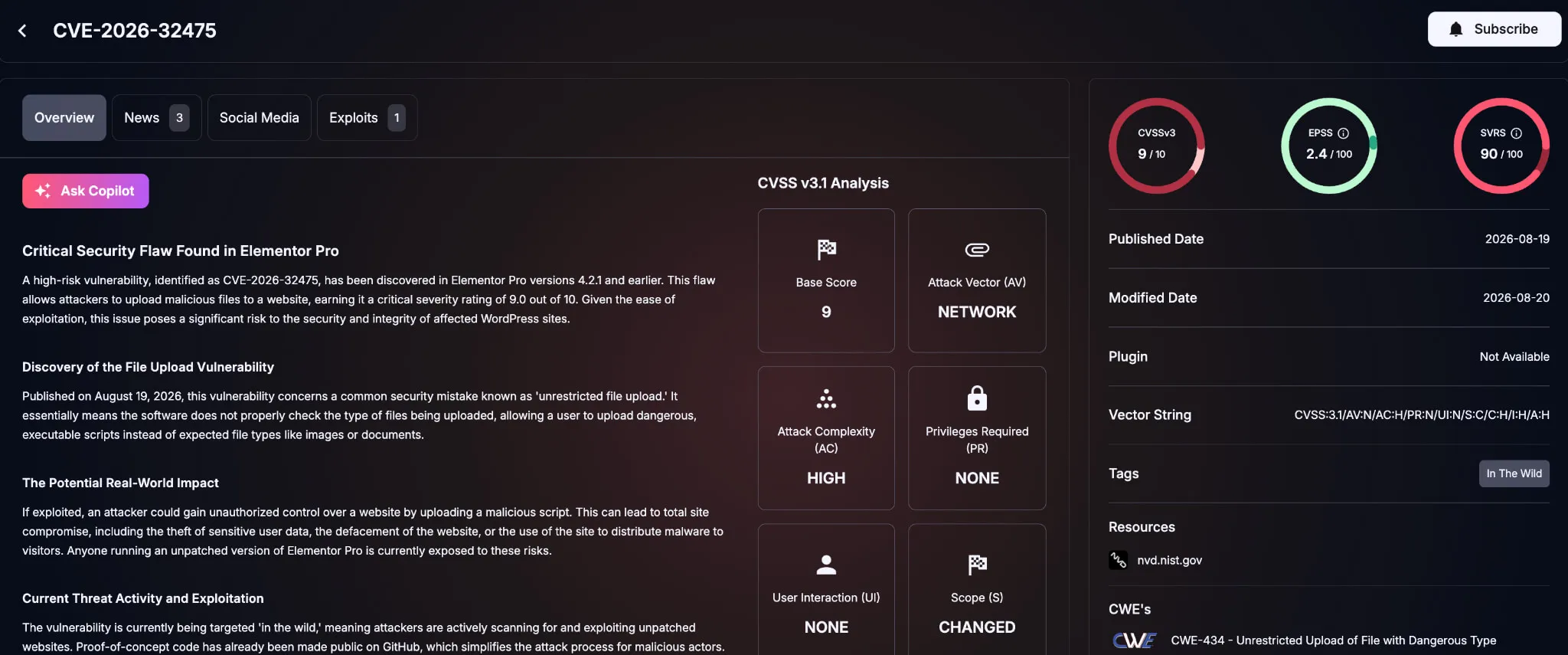
Details of CVE-2026-32475 (SOCRadar Vulnerability Intelligence)
A site is only exposed if it has a published Elementor form using a File Upload field. Elementor Pro has an estimated six million or more active installations, based on secondary reporting, though that figure reflects installs, not confirmed vulnerable or compromised sites.
| Status | Version |
|---|---|
| Affected | 4.2.1 and earlier |
| Fixed | 4.2.2 |
| Latest available | 4.2.3 (August 31, 2026) |
What Are the Risks and Reported Attacks?
Successful exploitation could let an attacker write a PHP file into wp-content/uploads/elementor/forms/ and execute it, potentially leading to broader server compromise. Wordfence reported more than 190,000 blocked exploitation attempts between August 19 and August 23.
Patching removes the vulnerable code path but does not undo an earlier intrusion. Sites that run a vulnerable version with a public upload form should be checked for signs of prior compromise before being considered clean.
What Are the Signs of Compromise?
No single indicator confirms compromise on its own; indicators carry more weight in combination.
- Unexpected PHP or other executable files in the Elementor forms upload directory
- Modified core files, plugins, themes, or configuration
- New administrator accounts or unexplained account changes
- WAF alerts or unusual requests involving Elementor form endpoints
- Suspicious activity beginning on or after August 19, 2026
Preserve logs and file timestamps before removing suspicious content, and isolate an affected site if compromise indicators appear.
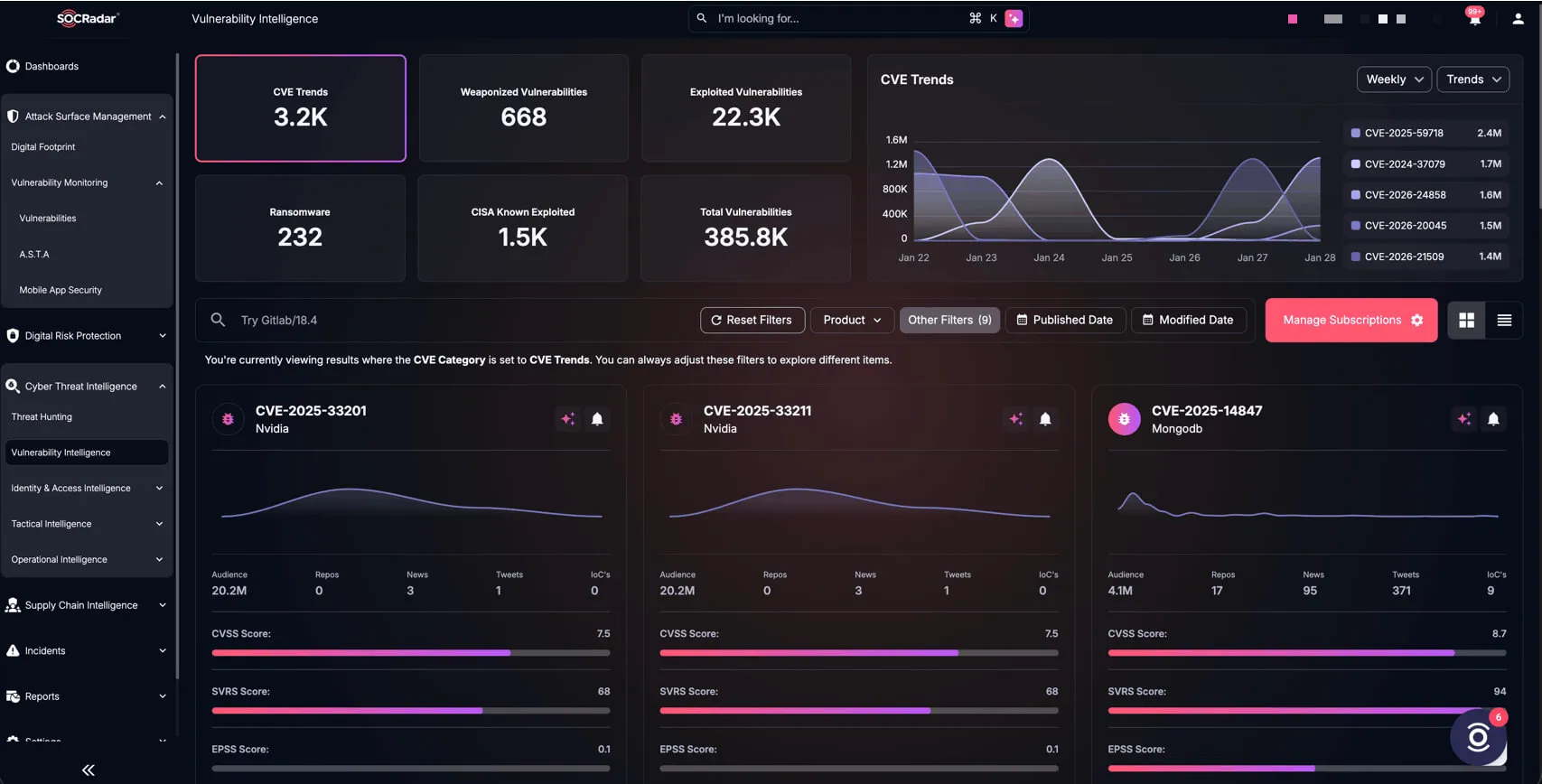
SOCRadar’s Vulnerability Intelligence
Given Elementor Pro’s install base, many organizations may not know which of their own sites run the plugin, let alone whether exploitation activity is trending upward. SOCRadar’s Attack Surface Management module continuously discovers and fingerprints internet-facing assets, including WordPress installations and their plugins, while the Cyber Threat Intelligence module tracks vulnerability intelligence and exploitation trends.
How Should Defenders Respond?
Immediate:
- Update Elementor Pro to 4.2.2 or later; the current release is 4.2.3.
- Inventory all WordPress instances, including those managed by agencies or hosting providers, and confirm installed versions.
- Inspect the Elementor forms upload directory and review web, WAF, and WordPress logs for suspicious activity.
- If compromise indicators appear, preserve evidence, isolate the site, rotate credentials, and verify plugin, theme, and configuration integrity.
Short term:
- Review published forms and remove unnecessary File Upload fields; where uploads are required, apply strict file-type validation and least-privilege server permissions.
- Add plugin version checks to routine vulnerability-management workflows, and confirm agencies or hosting partners follow the same process.
A web application firewall can reduce exposure while patches are rolled out, but it should support timely patching rather than replace it.